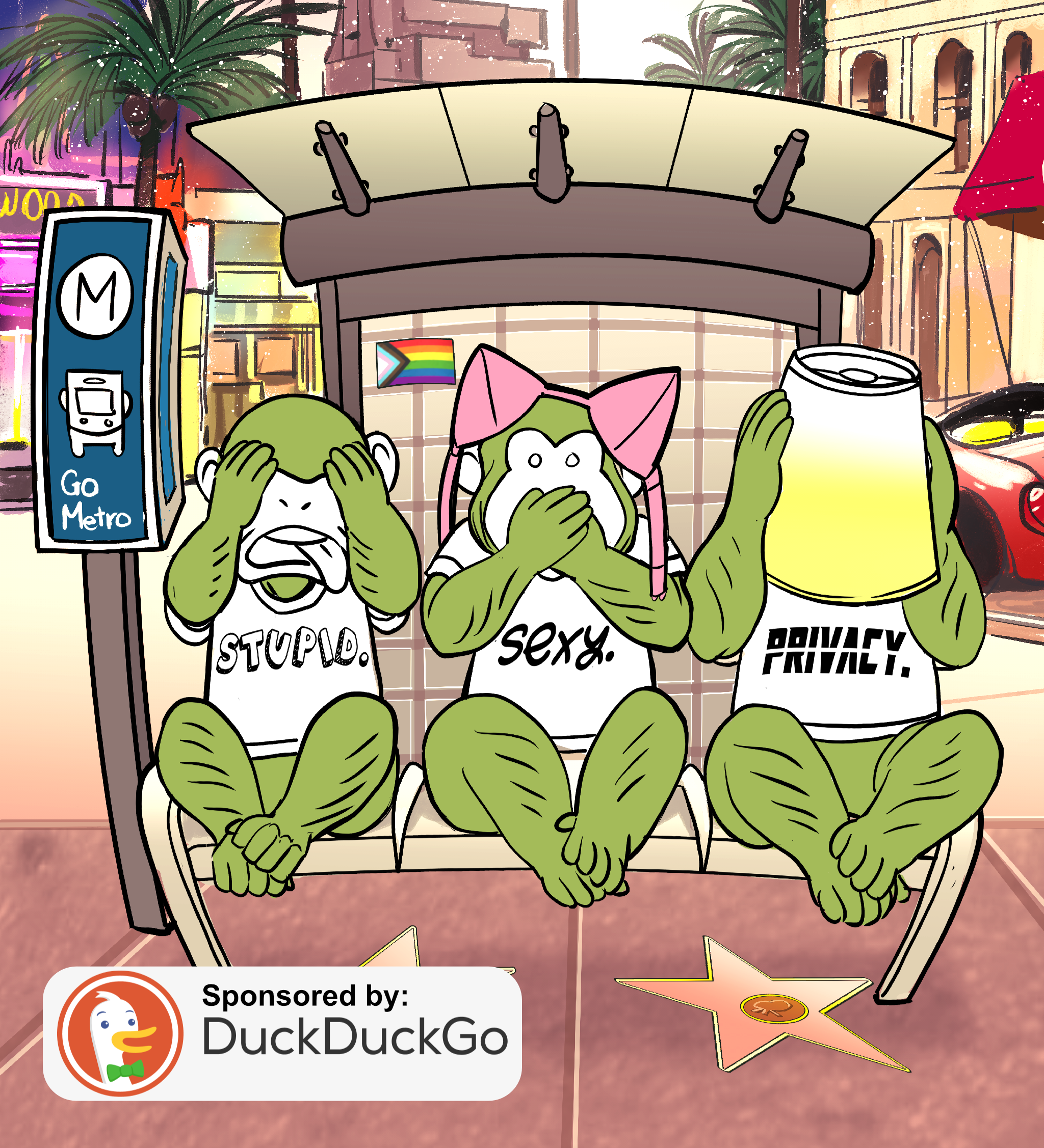
Why Your Fingerprints Are Leaking Through Your Photos
Your phone isn't secure by default—and neither are you. So today, BJ Mendelson walks you through 15 easy privacy moves that separate people who are actually protected from those who think they are. Come take a listen.


We're back with another edition of this newsletter. This week I'm reading to you from the start of Chapter 2 — again, the entire book is here for free.
Once I have an on sale date, I'll start to build out this newsletter a bit and have more to say in this section.
Until then I hope you enjoy another excerpt from How to Protect Yourself From Fascists & Weirdos.
Happy New Year to all of you who may be celebrating.
-BJ
BJ Mendelson:
Hello everyone and welcome to another edition of Privacy Tips, the sister podcast for Stupid Sexy Privacy. I'm your host, BJ Mendelson. Today's show is made possible by our friends at DuckDuckGo. So if you enjoy what we do, check out their DuckDuckGo subscription. It comes with a simple and easy-to-use VPN, identity theft protection, data removal service, and more. Additional information can be found at DuckDuckGo.com/subscribe. And some features and offerings will vary based on your location.
Now my friends, Stupid Sexy Privacy has wrapped and you can now find all of the episodes online at stupidsexyprivacy.com. All you have to do is click on the word "episode" to be taken to the episodes page. Pretty straightforward. You can also tap on it for those of you accessing it through a mobile browser. The purpose of Privacy Tips for now—we'll have more things later—is to give me an opportunity to read from my version of "How to Protect Yourself from Fascists and Weirdos." You'll be able to purchase the professionally recorded audiobook within the next few weeks.
This week is pretty straightforward though, because if you read the book, you'll see Chapter Two is like this big checklist. It's huge. And so I'm not going to go through the whole checklist in one episode. I'm going to split it over three parts, and I'll expand where needed to kind of give you a bit more information. But that's the plan for the next few weeks. I'll be going through the checklist in Chapter Two.
But before we get to this week's book excerpt, let's hear from our sponsors at DuckDuckGo.
If you're following along, we're at the start of Chapter Two. All you have to do is go to stupidsexyprivacy.com and click or tap on the word "book."
"How to Protect Yourself from Fascists and Weirdos" is all there for free. All you have to do is create an account. And if you do check out the account, you'll sign up to our weekly mailing list, which is just an update of when these new episodes come out.
Book Excerpt
Most of us are burnt out, working multiple jobs and taking care of kids or elderly parents, or both. If you're part of my generation, the Millennials, the odds are pretty good you also feel to-do listed to death. Your entire childhood may have felt like doing prison time—at least in the sense of being told where to be, how to be, and for how long before being moved on to your next assigned task. Managing our information can feel like one more thing on that to-do list. The good news is that managing your privacy, anonymity, and security is not an all-or-nothing thing. In this book, we use privacy as a catch-all for all three.
You can do a little bit at a time and still take back control of your life. Don't let privacy nihilism be an excuse to leave yourself vulnerable to fascists and weirdos. And for people who haven't heard the term privacy nihilism, it basically means what you think it does. And in fact, you may have had thoughts of privacy nihilism a bunch of times prior to reading and listening to this book without necessarily knowing what it is. And basically we define privacy nihilism as that common reframe you hear from people where they say, "All my stuff is out there, so why do I need to bother doing anything?" That's privacy nihilism. Like, everything's out there, what's the point?
Privacy is a fundamental human right. You are not a privacy Karen for being concerned about your privacy. That's because the act of being observed by anyone robs you of who you could have been had you not been observed in that moment. As people, we need time alone. We need time where we feel safe to be ourselves and explore who we might want to become. Fascists and weirdos try to shape our behavior through constant observation and censorship. So if you care about privacy, you care about other people. That makes you the opposite of a Karen.
So as you have time, I'm going to go through this big checklist. And this is everything else you need to do to protect yourself from fascists and weirdos. Some of these items will return to you throughout the book. And as a reminder, many of these and other resources can also be found in our endnotes. So if you're lost or if you want more information, you just have to check out the endnotes. For those of you who are listening, go to stupidsexyprivacy.com and click or tap on the word "book." The endnotes are at the very bottom. So you have to log in to be able to see them, but they're there for you.
And now I'm going to read to you the 15 points, and I'll chime in if needed.
Don't use biometrics to unlock any of your devices. Use a long PIN instead. I think we repeat this point like three or four times in the book. It's probably the most repeated thing, and it's just so important. Like, you see it on TV all the time now—like when someone you know needs to get into a phone but can't, and there's a dead body, and they take the phone and they put it over the dead body's face and they unlock it. And that's an extreme, ridiculous example, but you've seen stuff like that enough on TV where you know that biometrics and facial recognition is not secure. So please, please, please—there's a reason why we intentionally repeat this point throughout the book. Don't use biometrics to unlock any of your devices. Use a long PIN instead.
Also, always use a VPN. We're going to talk way more about that later.
Always use Signal over regular texting. SMS, which is the technology that underpins your text messages, is now completely compromised by both our government and the Chinese government. And for those of you who want to read a bit more, I encourage you to go to DuckDuckGo and search for the term "Salt Typhoon."
And for SMS and the American government, we've known about that since Edward Snowden. So that really shouldn't be a surprise, but you know, it's important that people, especially now, keep it in the back of their mind that anything you send through text can be intercepted.
Always use a password manager like Bitwarden or KeePassXC. KeePassXC is free.
Always use passphrases instead of passwords. So what that means is, like, try "Batman Pen Golden Retriever" instead of "P00DL3 F@N23." You know, like, don't go crazy with these ridiculous passwords. Try a passphrase instead because you can remember it and it's a lot harder for a computer to figure out. So "Batman Pen Golden Retriever" is a much stronger password than "PoodleFan23," where you've replaced the O's with zeros, for example.
Always use 2FA—that's two-factor authentication—with an authenticator app, or better yet, a physical security key like the YubiKey. I love my YubiKey, by the way. And that's not a plug. I'm not getting any money by telling you that. I've just had it for years, and it's really saved my bacon on more than a few occasions.
Do not use your phone number and email address as a method for two-factor authentication. The physical key is the safest method, followed by authenticator apps such as 2FAS. If you can, secure your bank account and email account using two physical security keys. I can't stress that enough. Always get two because the odds are good you're going to lose one. And trust me, that has absolutely happened, so you'll be thankful for that backup key.
Always keep your software up to date. This is something that seems obvious but is not. Yeah, we say it a lot—like, nothing is obvious, maybe to you and me, but to most people, it's not. So always keep your software up to date on your modem, laptop, car, or any device that's connected to the internet. You always want to keep that stuff up to date. So especially now when we're at war with a country like Iran that can fight back using our software, you always want to make sure your stuff is up to date.
And to that point, turn your phone off at least once a day so that it can get the latest security updates, regardless of what operating system you use.
Get an antivirus program. And I'm especially talking to you Mac users. So we recommend BitDefender. That one is not free, unfortunately, but it is a pretty good antivirus program. We used to recommend ClamAV in like the really early version of this book—like the 2022 version. We recommended ClamAV. And people were just telling us it was too confusing. So you have to pay for BitDefender. There is a free trial. It's not free, but it is a pretty good antivirus program.
Delete the trash on your laptop before shutting down for the day.
Delete all unused apps every 90 days. That one's really important. So I want to repeat that: Delete all unused apps every 90 days. And I think we touch on that later in the book, but if we don't, I just want to say here, if you download anything and you're not using it after a few days, just get rid of it. That's always best practice. So every 90 days is sort of like the max. You know, every 90 days is when you should remove the stuff, but I encourage you to be a bit more vigilant.
Whenever you install an app, limit the permissions of it to only what is needed. So don't give it access to your location, for example.
This is a new one, actually: Don't take pictures with your fingertips exposed. I know it sounds weird, but don't take pictures with your fingertips exposed. The image quality is so good on most cameras now that your prints could be lifted from photos. So that's a new thing to just keep in mind.
And finally for this week—and again, we'll get to the rest of the list next week and the week after—if you're streaming, make sure your background is obscured and that your home can't be identified from the outside. So for example, I do a lot of recording. I don't post any pictures from inside my house or outside my house. Nobody knows what my house looks like. But when I do record, I have a fake background. For example, I use a record store. You can use a fake background, or you can obscure your space. There are all sorts of ways you can obscure your background, but the point here is that if you're regularly producing content on the internet or if you're streaming on something like Twitch, always, always, always obscure your background. You do not want people to be able to figure out where you are based on your windows or any other clues that they might be able to pick up. That's just good best practice for your safety.
All right. See, that was relatively quick and painless. I was a little worried about how I was going to read Chapter Two because it's a long checklist. So I was concerned about what it would come out like. So hopefully this was okay. We'll do this again next week and the week after as we work through Chapter Two and the rest of the checklist. So hopefully this will work for you as well.
Show Outro
And now is as good a time as any to get to our outro, which is today's episode of Privacy Tips was recorded in Hollywood, California, sponsored by DuckDuckGo. It was written, produced, and hosted by BJ Mendelson.
I want to give a shout-out to the production team at Stupid Sexy Privacy, which includes Andrew VanVoorhis, Rosie Tran, and Amanda King. We definitely want to do more episodes. We are going to go back and update some of the ones that are currently out there. There are some Season Two episodes, I think, that are missing a privacy tip, for example. So if you've heard the episodes, we will be going back and making some additions to them. I'll let you know when that happens. But we're just anxious, you know, to keep the show going. So hopefully I'll have news for you on that front later this year.
If you enjoyed today's show, we hope you take a moment to leave a review on Spotify, Apple Podcasts, or wherever you may be listening. This won't take more than two minutes of your time. You see, we have this crazy goal, and we need your help to achieve it. We want 5% of Americans to be 1% better at protecting themselves from fascists and weirdos.
Leaving us a review can help make that happen. That's because your reviews will help other people find the show. So please take a moment to leave us a review, and we'll see you next Thursday on Privacy Tips.


